
Connect Your First Screen
Activate a screen by pairing it with your Juuno account using a unique code displayed on the screen.
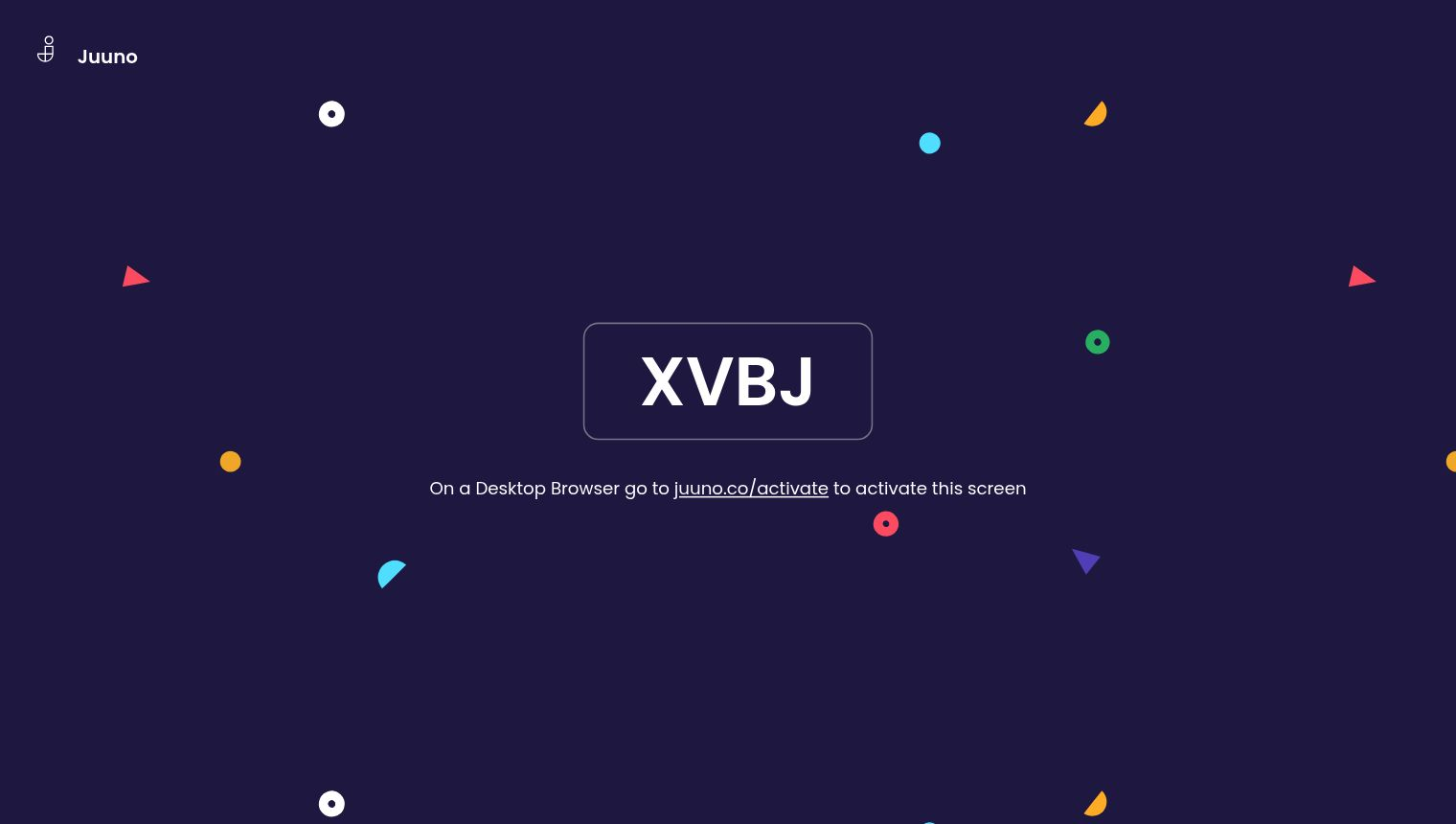
Activate your screen
On your TV or device:
Open the Juuno app (if already installed)
Or open the web browser and go to d.juuno.co.
Note the unique activation code displayed on the screen
On your computer or tablet, log in to your Juuno account and go to Screens (app.juuno.co/screens)
Click New Screen
Enter the activation code and give the screen its details
Click Connect Screen
Your screen will start playing content immediately after activation.
The activation code is unique to each screen and expires after use. If you need a new code, generate it on another device or disconnect the currently connected screen to generate a new activation code.
Manage your screens
View and manage all your screens on the Screens page (app.juuno.co/screens). From there, you can rename screens, assign playlists, schedules, or sequences, or adjust screen settings.