
Amazon / Fire Stick Installation Guide
Install the Juuno app on your Fire TV Stick to turn your TV into a digital signage screen.
Before you begin: Plug your Fire TV Stick into your TV and connect it to the internet.
Installation Steps
Turn on your Fire TV Stick and press the Home button on your remote to reach the home screen.
Select the Search icon (magnifying glass) on the home screen.
Type "Juuno" using the on-screen keyboard. When the Juuno app appears in suggestions, select it.
Verify the app by checking the developer name (Whoop Group Pty Ltd) and the Juuno icon.
Download the app by selecting "Get" or "Download." Your Fire TV Stick will install it automatically.
Open the app directly from the installation screen, or find it later in "Your Apps & Channels" on the home screen.
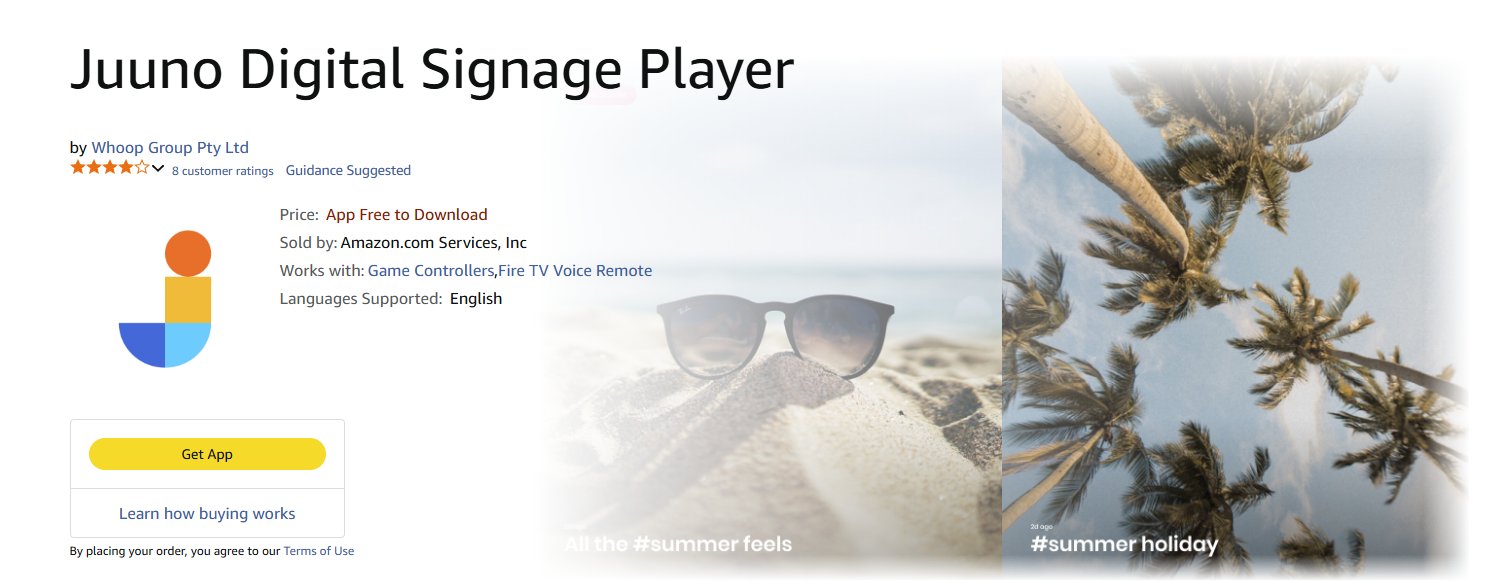
Alternative Method
You can also find the Juuno app on the Amazon Store, but you'll still need to install it through your Fire TV Stick using the steps above.
NEW! Juuno is now also available on the Amazon Signage Stick.
Need help? Contact [email protected] for assistance.