
Canva App
The Canva app displays Canva designs on your screens.
When you add and setup an app to a playlist, it appears as a scene.
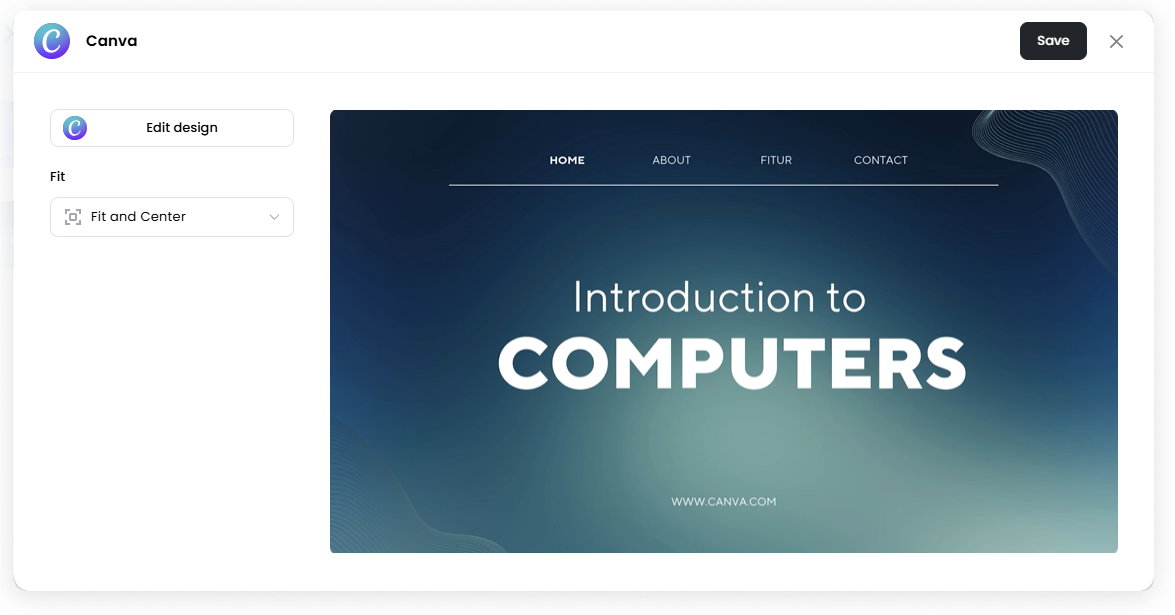
Designs are created and edited in Canva. Juuno loads the design and displays it as a scene in your playlist.
Add the Canva App
Open the Playlist where you want to add the Canva design.
In the right panel, drag Canva into the playlist.
Click Design on Canva (you'll be redirected to Canva)
Create or select a design in Canva.
Return to Juuno by clicking Return to Juuno.
Wait for the design to fully load.
Click Save.
Your design will load into the scene.
Edit the Design
To update the design later:
Open the Canva scene.
Click Edit design.
Make changes in Canva.
Return to Juuno by clicking Return to Juuno.
Wait for the design to fully load.
Save the design.
Configuration Options
Edit design Open the design in Canva to make changes.
Fit Controls how the design fits inside the screen.
Scale to fill frame — Scales the design to fill the entire screen. Parts of the design may be cropped.
Fit and Center — Displays the full design centered on the screen. Empty space may appear around the design if the aspect ratio does not match the screen.
Set the Scene Duration
After saving the app, you can adjust how long the scene stays in the playlist.
In the Playlist, find the Canva scene.
Click the duration value (for example, 00:30) to set how long the scene plays.
00:30means the scene will play for 30 seconds.
Notes
Designs are created and edited in Canva, not in Juuno.
Most Canva design types are supported, but document-types (such as spreadsheets or multi-page documents) are not supported.
For now, Juuno currently supports one Canva account per Juuno account.
Juuno supports one Canva integration per Juuno account for now. This means only one Canva account can be connected at a time.
If multiple teammates manage your Juuno account, they must use the same connected Canva account when creating or editing designs.